← All HBN Apps

HBN: Product Info Blocks

Answer practical buying questions without burying the product in policy text. Keep shipping, returns, sizing, care, and warranty details clear, reusable, and easy to scan.

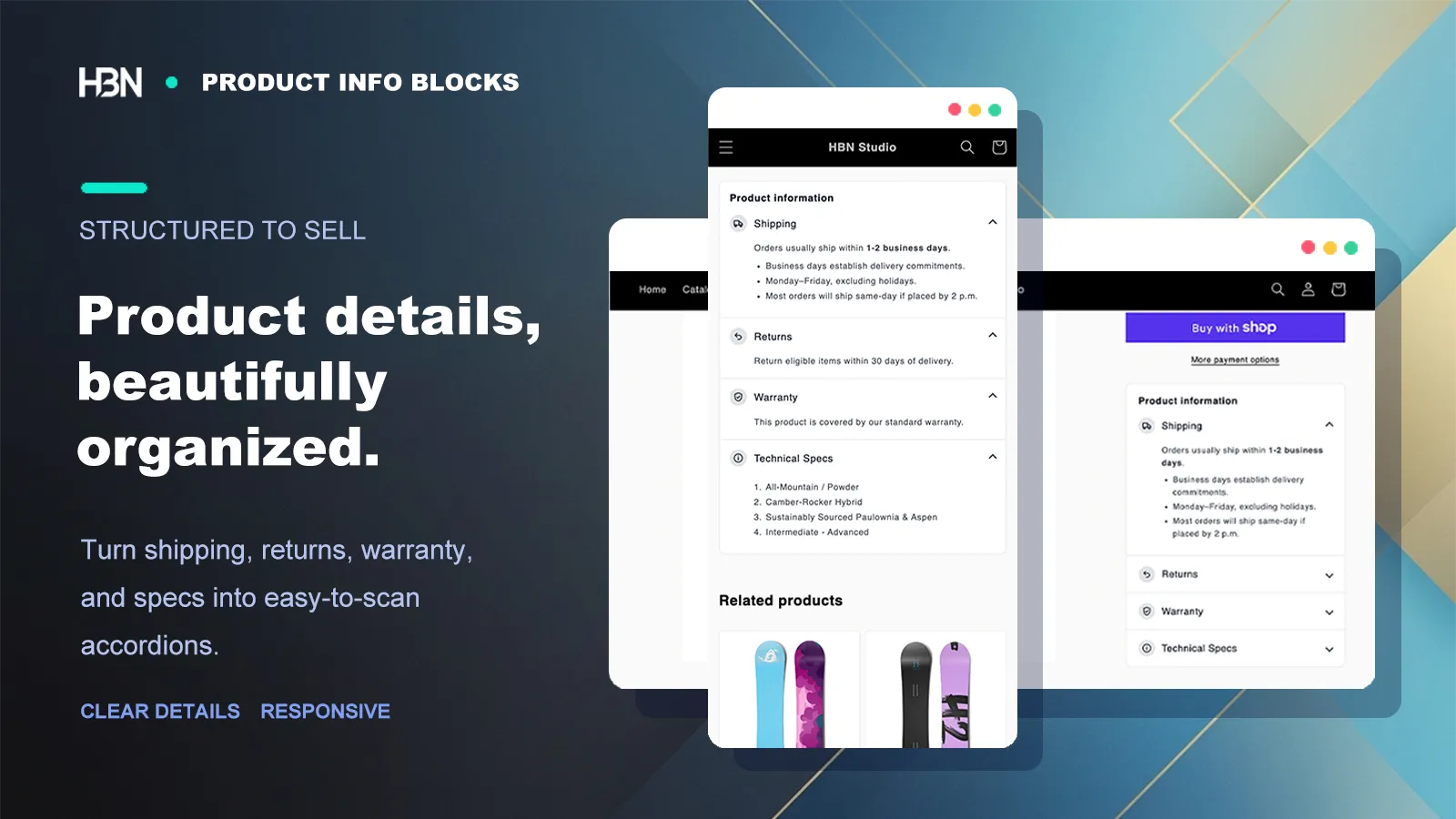
Structured product information blocks on desktop and mobile

The questions beneath the buy button

A product description should sell the product, not carry every policy in the store.

The closer a shopper gets to buying, the more practical their questions become: How do I choose a size? Can I return it? What is it made from? How should I care for it?

Those answers matter, but pasting all of them into every description creates a wall of text—and creates dozens of places to update when a policy changes. Product Info Blocks gives recurring details a consistent home without hiding the product story inside store administration copy.

Begin with the three questions that stop a purchase

For many stores, those are shipping, returns, and sizing or care. Create one block for each, put the most decision-critical block first, and keep the answer concise. The accordion lets a shopper open what matters without making everyone scroll past it.

If those three answers remove the hesitation, stop there. The free plan is enough for that setup; there is no prize for filling the page with every block the editor can create.

Make the blocks look intentional

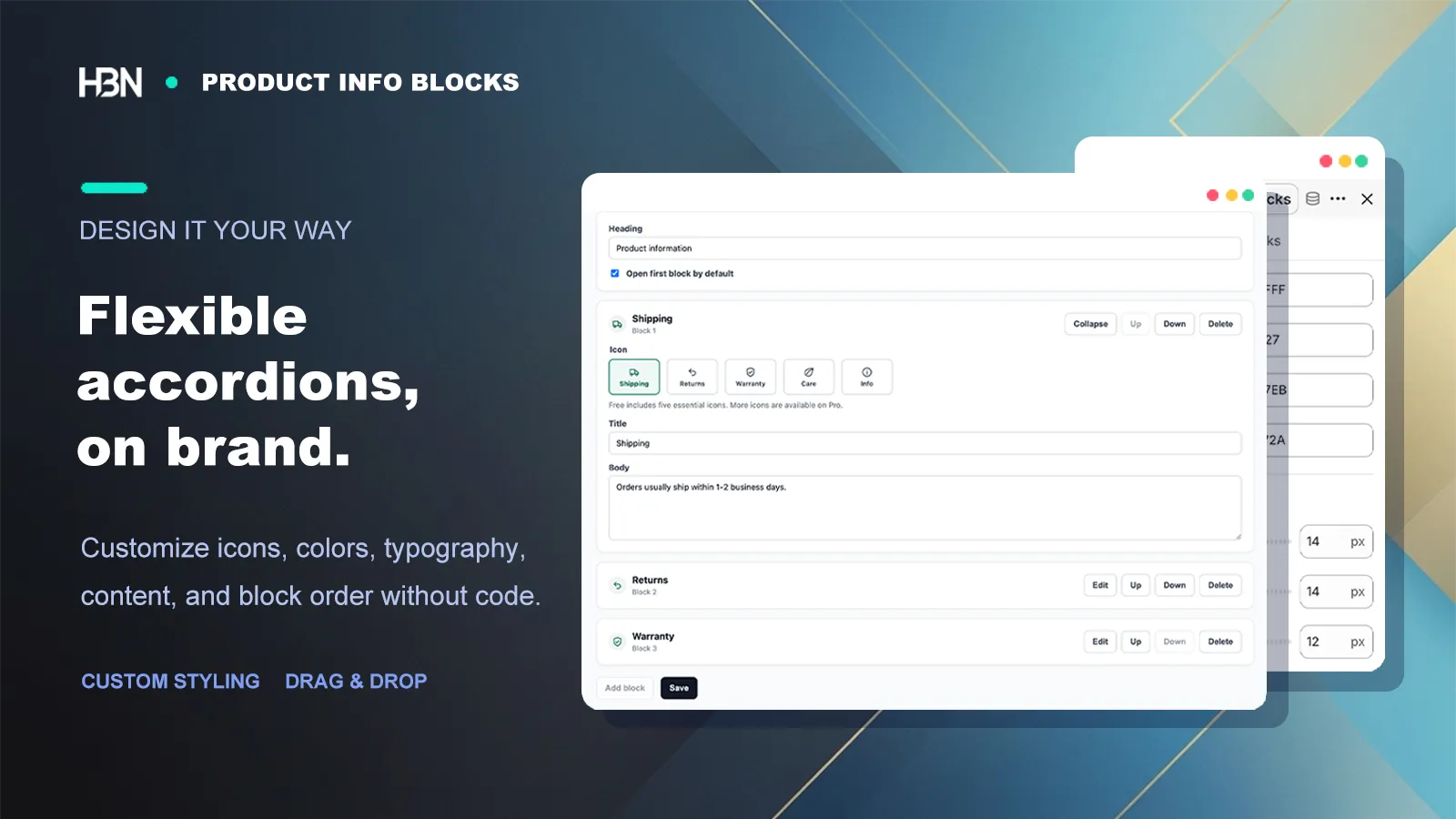
Match the accordion to the theme with type, color, borders, spacing, and icons. I tend to keep this styling deliberately quiet. The shopper should notice the answer, not admire the component that contains it.

Product information accordion styling on desktop and mobile
A consistent treatment makes very different kinds of information easy to scan.

Show a block where its answer is true

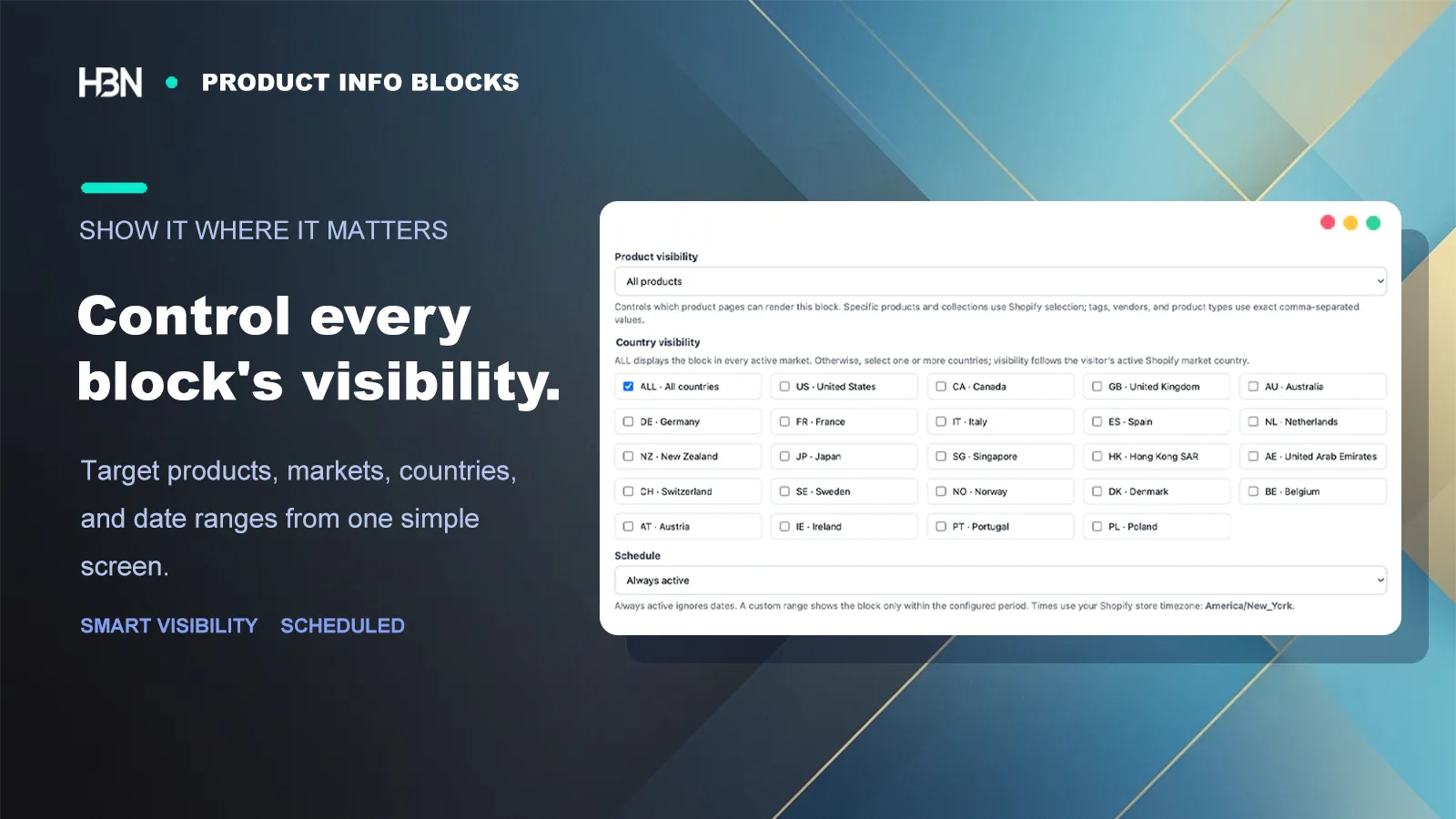
A care guide for linen does not belong on a leather product. A warranty may apply to one vendor but not another. Pro visibility rules let a block follow products by type, tag, or vendor, so the page stays specific without maintaining a separate copy of the same content for each product.

Scheduling handles temporary information in the same spirit. Set the window once, rather than relying on someone to remove a seasonal notice from every affected page.

Visibility and scheduling controls for a product information block
Permanent policies and time-sensitive notices can follow different display rules.

Use richer content when the answer needs it

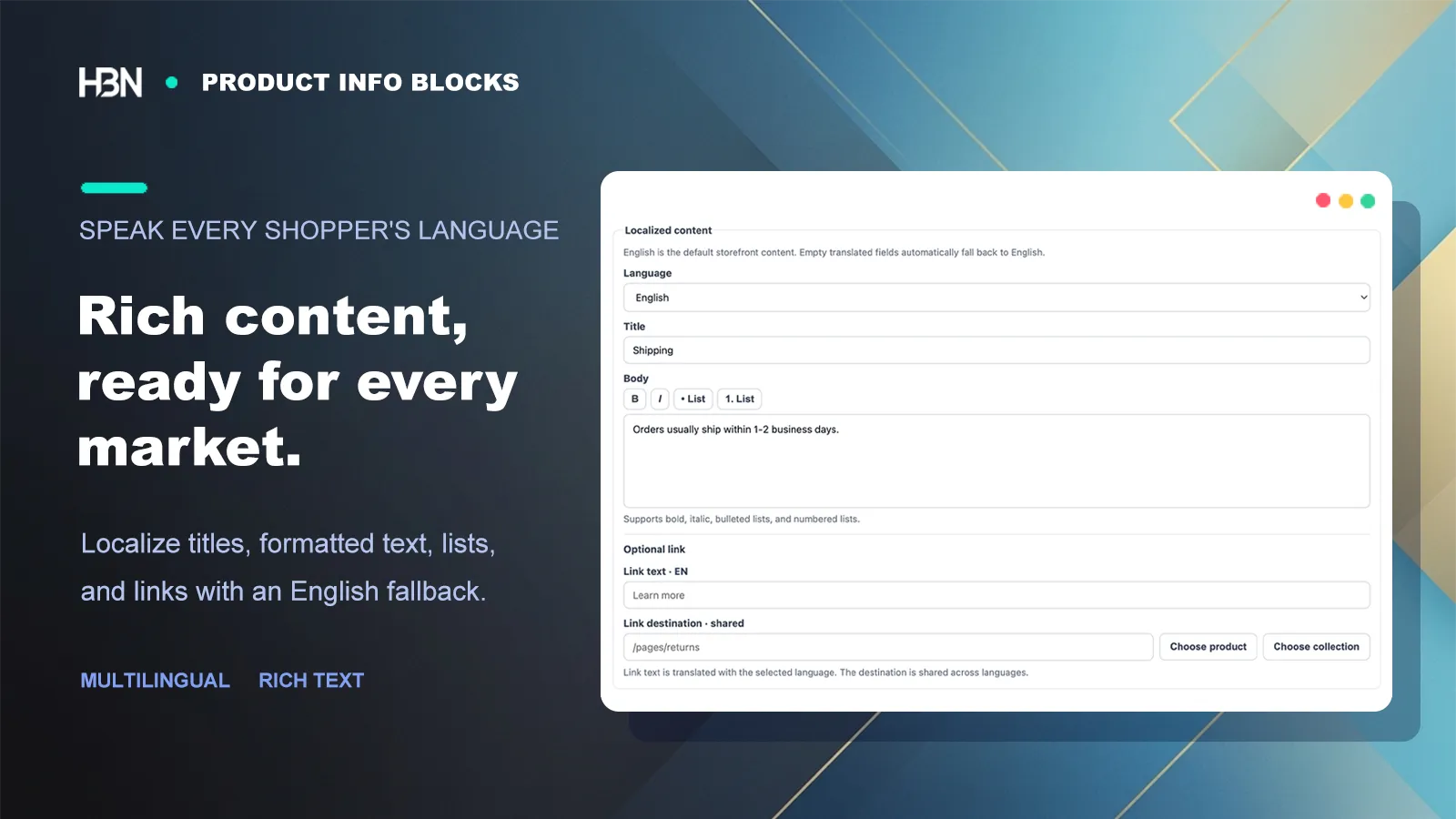
Plain text works for a short return note. A size guide may need a list; a technical product may need a manual link; an international storefront needs the same structure in the shopper's language. Rich text, resource links, the complete icon set, and multilingual content let the format follow the answer instead of forcing every block into the same paragraph.

Rich text, resource links, icons, and multilingual product information
Keep the organization consistent across markets while adapting the actual copy.

A sensible way to choose

Free organizes the essentials. Pro manages a catalog.

Free — solve the common questions first

Create and reorder up to three responsive blocks, choose from five essential icons, and style the accordion to match the store.

It suits a smaller catalog with shared shipping, return, and care or sizing information.

Pro — make information product-aware

Expand to 15 blocks with product visibility rules, scheduled display, rich text, links, a complete icon library, multilingual market content, and direct developer support.

The 7-day trial gives you time to map the real catalog before deciding.

Answer the questions that are holding up a purchase.

Start free with three clear, reusable information blocks.

View on Shopify ↗