

← All HBN Apps

HBN: Lookbook

Connect lifestyle photos to the products inside them with interactive markers, product previews, flexible layouts, and optional shopping actions.

Coming soon on Shopify
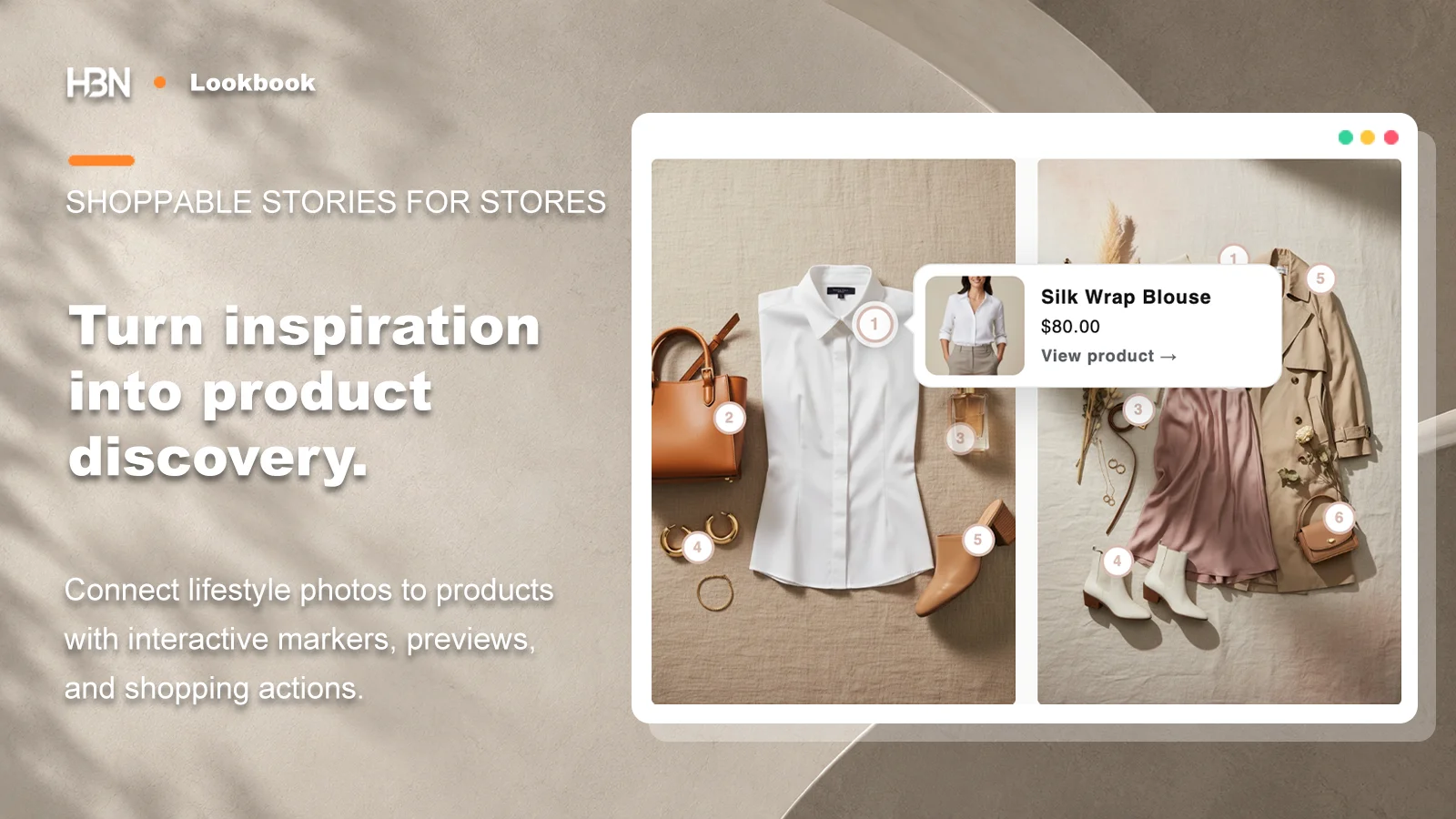
Lifestyle outfit photos with numbered product markers and a preview for a silk wrap blouse

Before publishing a lookbook

Connect products in lookbook photos to their product pages.

HBN: Lookbook connects visible products to numbered image markers, responsive previews, and product pages so a shopper can move from inspiration to the item without decoding a caption or searching the store.
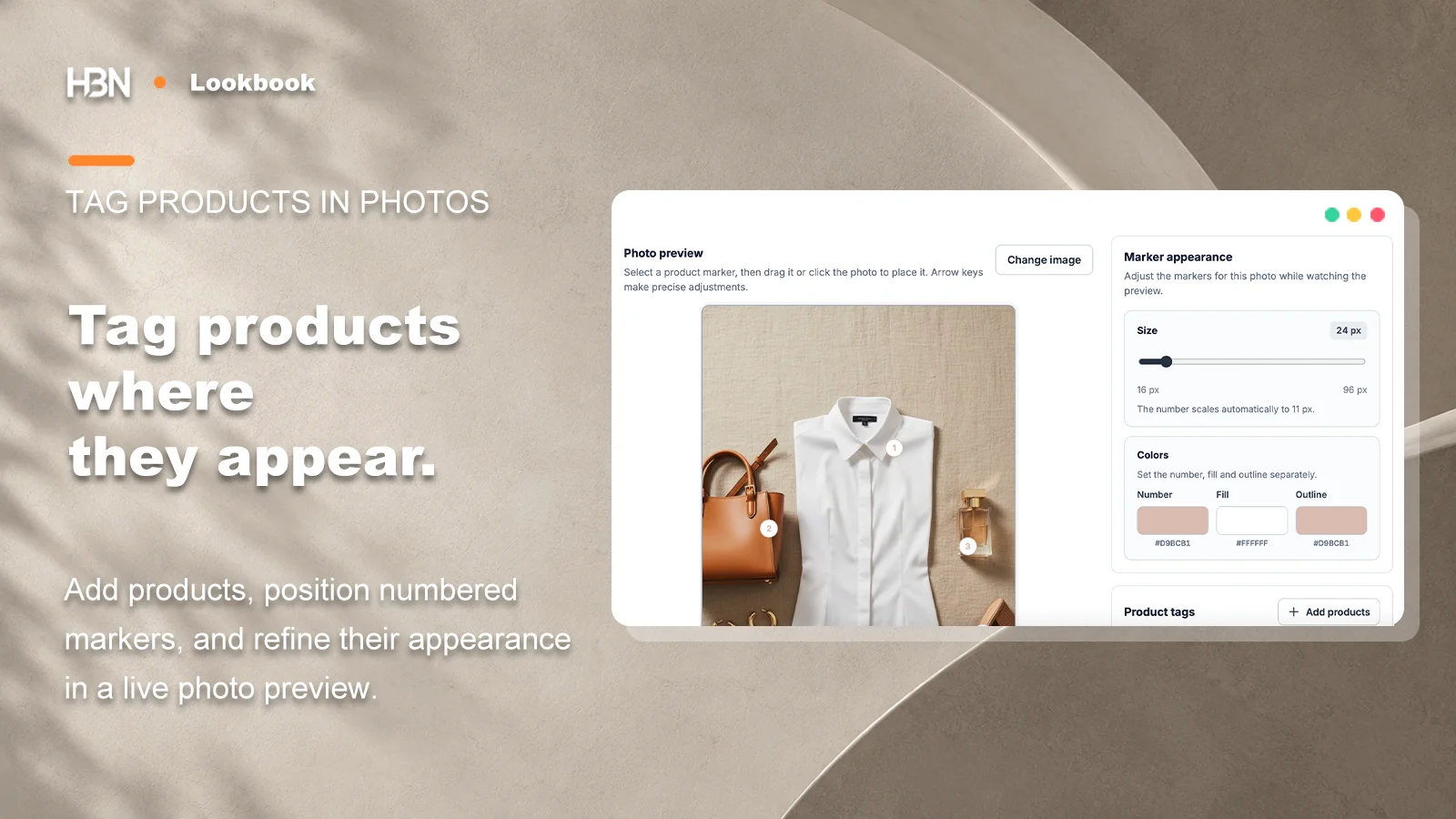
Lookbook photo editor with numbered product markers and marker appearance controls

Tag only what shoppers can recognize

Place a small number of clear markers over products that are genuinely visible. Check marker positions again when an image changes and keep important faces or details unobstructed.
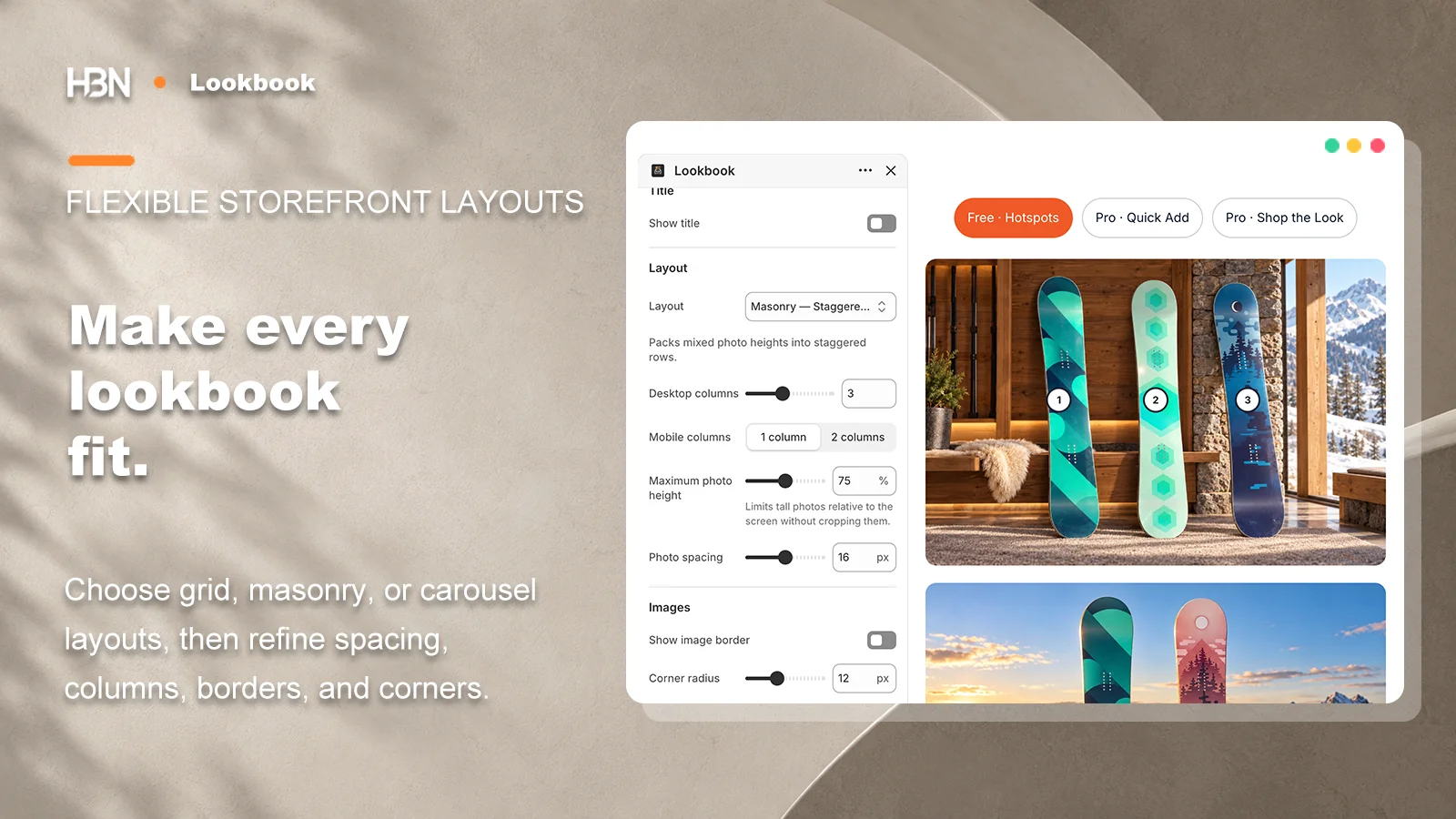
Shopify theme editor showing lookbook layout, columns, spacing, border, and height settings

Choose a layout for the photographs

Use Grid for similarly shaped images, Masonry for mixed proportions, or Carousel for a compact sequence. Desktop and mobile columns, spacing, borders, and height controls help the set fit the theme.
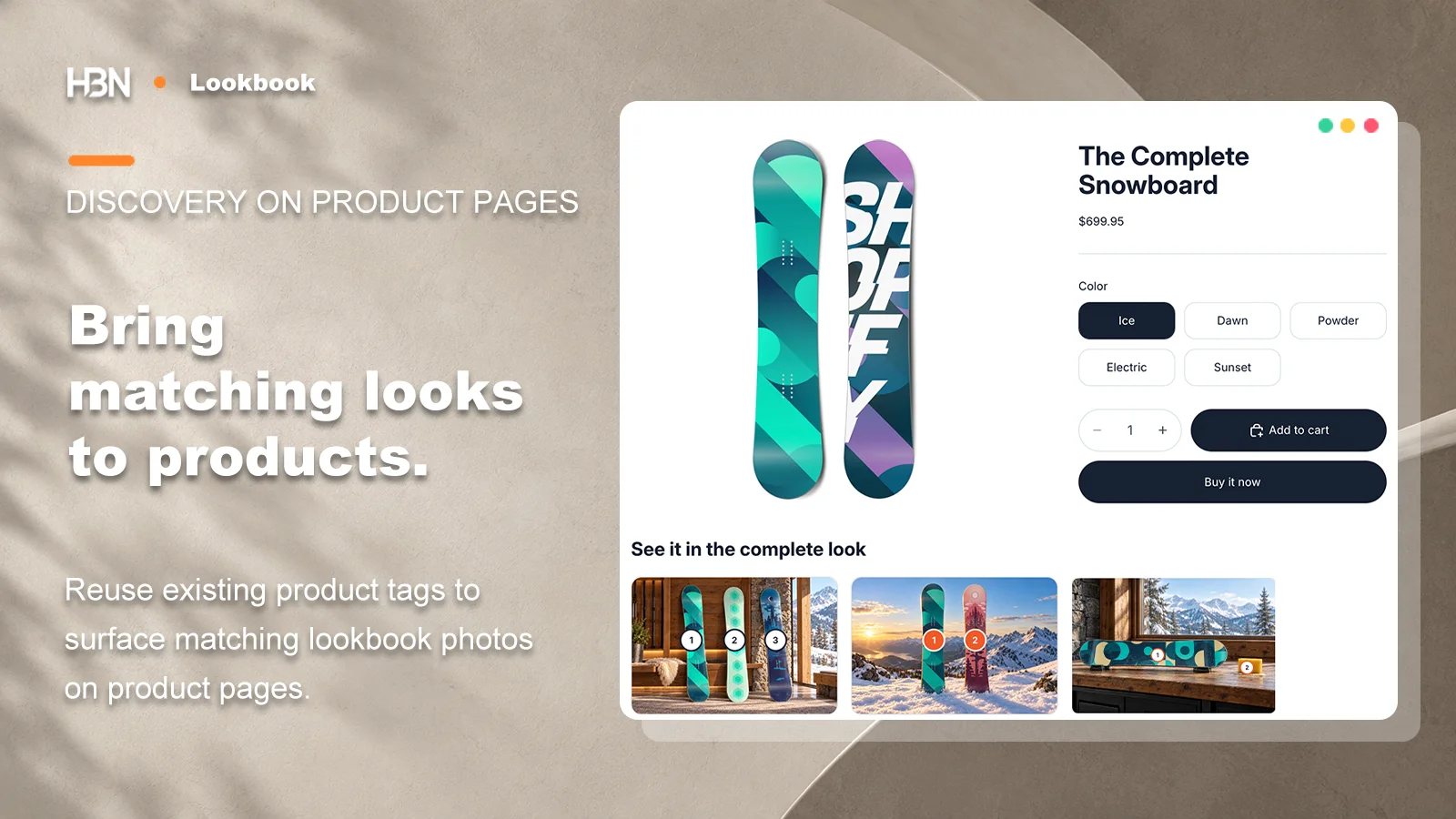
Product page with Related Looks showing tagged photographs that contain the current product

Reuse the product connections

Pro can return matching scenes to a product template through Related Looks and can offer Quick Add or Shop the Look where Shopify's product setup supports direct selection.

Free or Pro?

One shoppable lookbook, or multiple connected galleries?

The planned Free tier covers one lookbook. Pro expands the number of stories and shopping paths.

Free — one lookbook

Publish one lookbook with up to six photos and twelve product tags, responsive previews, product links, three layouts, and no app watermark.

Pro — connected discovery

Add multiple lookbooks, category navigation, Quick Add or Shop the Look, and matching photos on product pages through Related Looks.

App questions

Common questions about HBN: Lookbook.

Review the app’s scope, setup requirements, and plan differences before installing it on a Shopify store.

Visit Help & FAQ ↗
How do shoppers identify products in a lookbook photo?

The merchant places numbered markers over products that are visibly present. Shoppers can open a responsive product preview and continue to the product page.

Which storefront layouts are available?

A lookbook can use Grid, Masonry, or Carousel, with separate controls for desktop and mobile columns, spacing, borders, corners, and tall-image height.

What does the planned Free version include?

The planned Free version covers one lookbook with up to six photos and twelve product tags, responsive previews, product links, and repeated theme placement without an app watermark.

Is HBN: Lookbook available on the Shopify App Store?

Not yet. The public listing, current plan details, and installation link will be added here only after the app is officially available.