← All HBN Apps

HBN Announcement Bar

Give shipping offers, promotions, and timely store updates a place customers will actually notice—without stacking banners or editing the theme for every campaign.

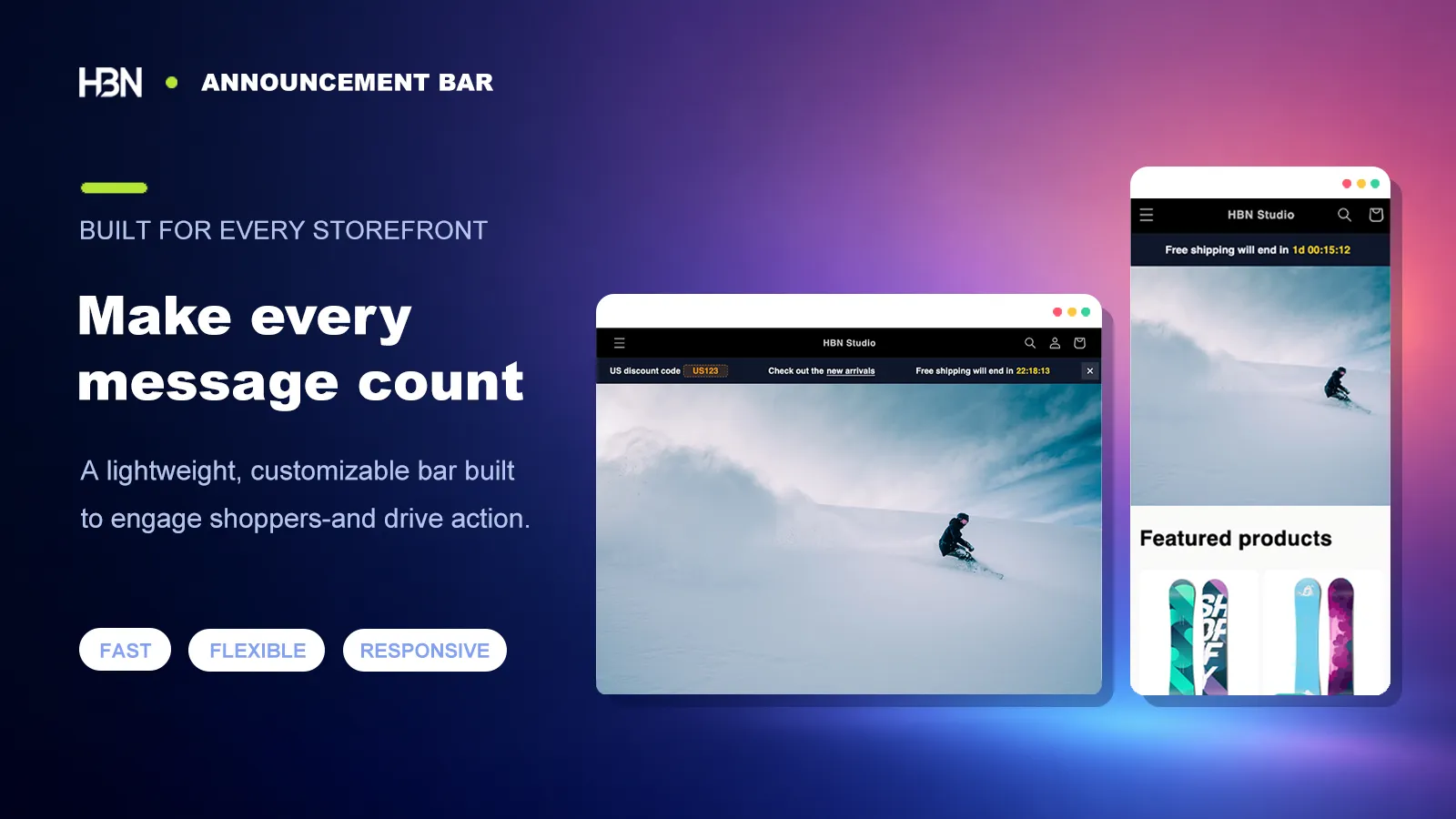
Announcement bars displayed across desktop and mobile storefront layouts

A practical guide to storefront announcements

Your promotion is only useful if shoppers notice it in time.

Free shipping, a weekend code, a delayed dispatch notice: these are small pieces of information, but each can change whether a visitor buys. The awkward part is giving them enough visibility without turning the top of the store into a noticeboard.

A theme's built-in bar is often fine until two messages matter at once. Then somebody edits theme settings before a campaign, remembers to remove the copy afterward, and hopes the long line still fits on a phone. HBN Announcement Bar is meant to make that routine manageable rather than more elaborate.

Always on Free shipping over $60

This weekend 15% off summer styles · Ends Sunday

Only where relevant Local delivery available in Toronto

Start by deciding what deserves the top of the page

My rule of thumb is simple: if seeing the message could change a buying decision today, it probably belongs in the bar. A shipping threshold does. An offer that ends tonight does. A paragraph of terms does not—put that on its own page and link to it.

When two notices are genuinely important, add both and set their order. The carousel keeps them in one predictable place instead of stacking bars and pushing the product page down.

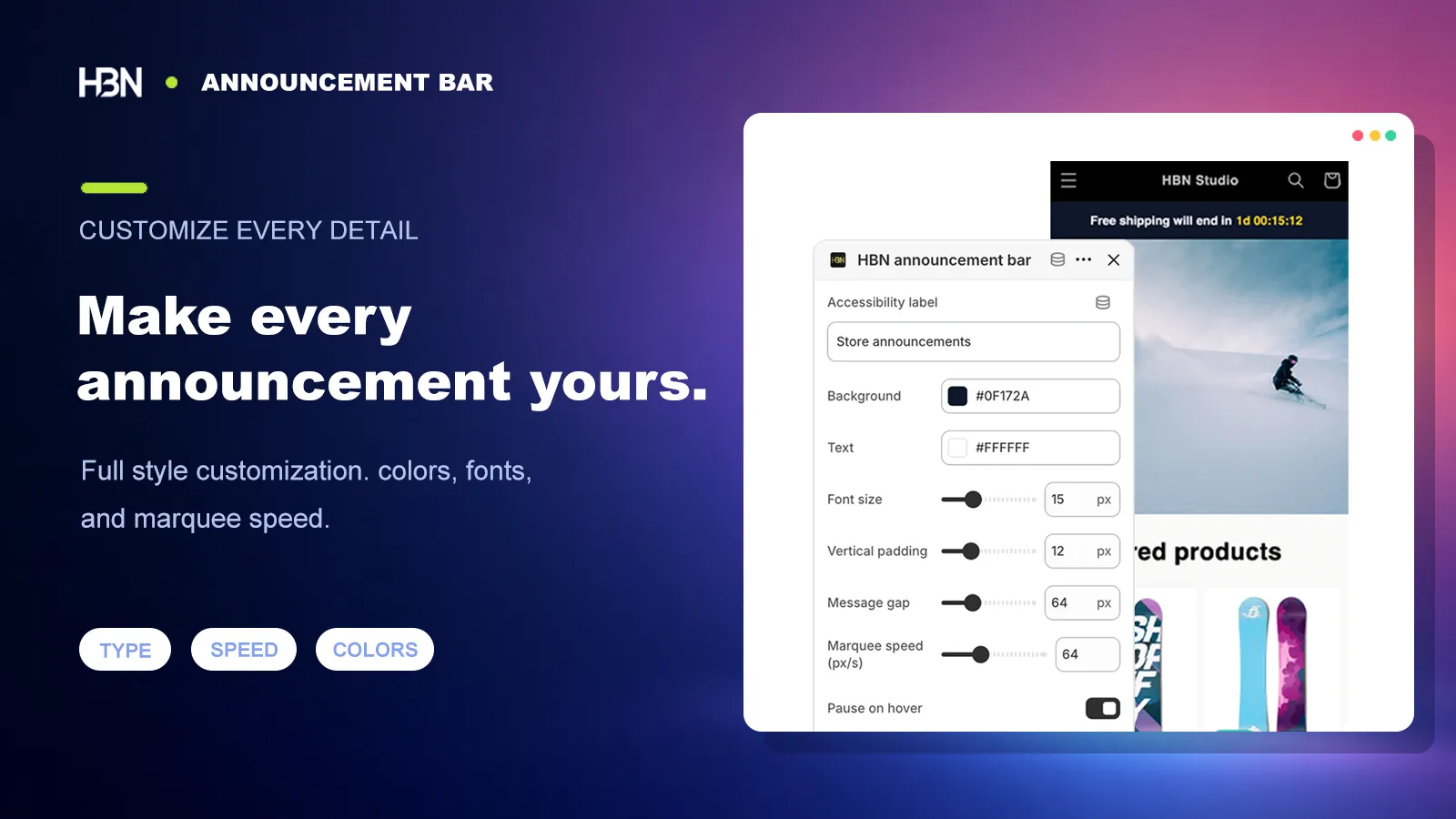
Announcement bar editor with styling controls
Tune the type, spacing, color, alignment, and movement while keeping the message itself easy to edit.

Make it belong to the store, especially on a phone

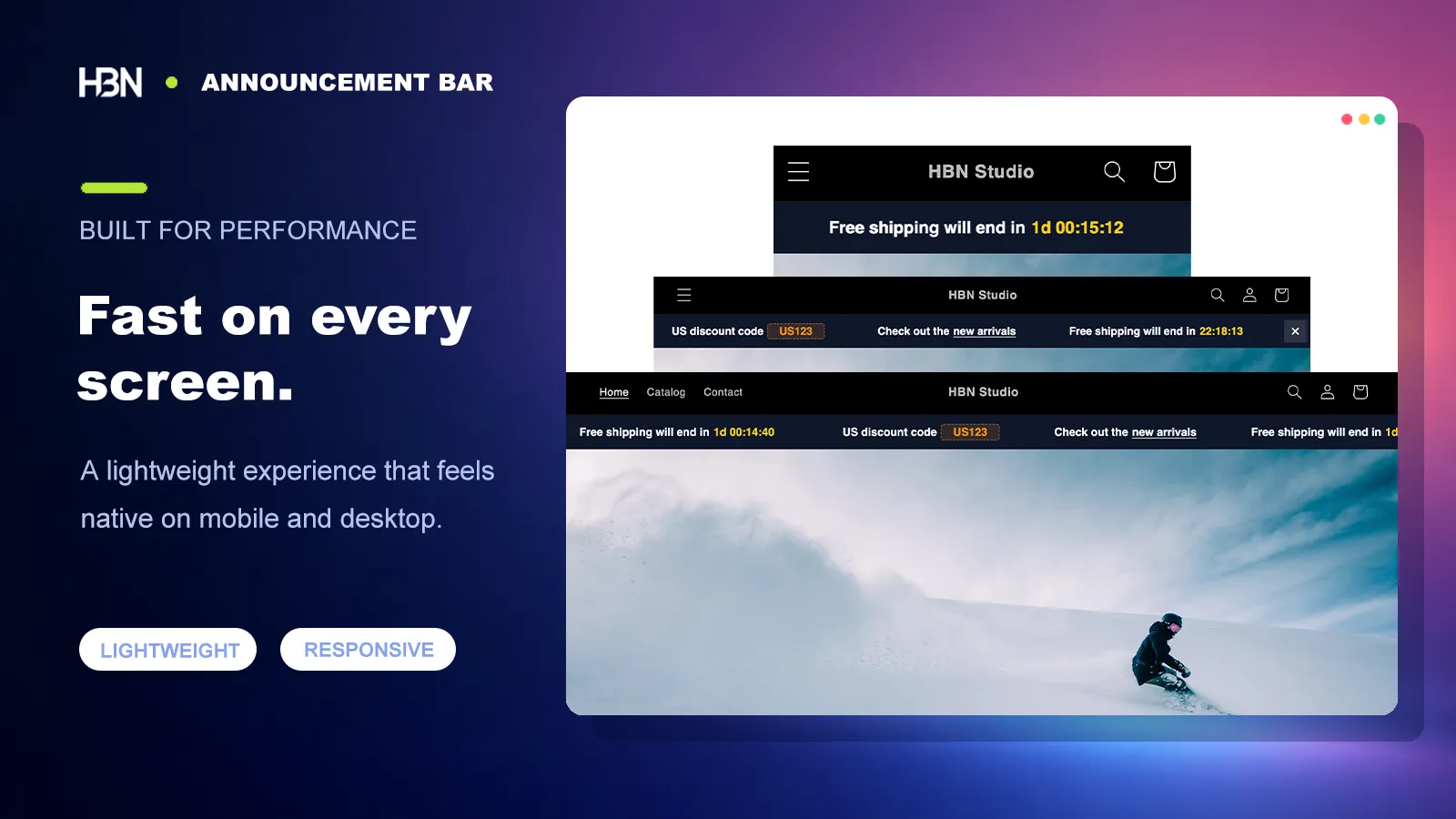
A banner can be visible without shouting. Match the existing typography, keep the contrast readable, and shorten the sentence until the offer makes sense in one pass. The responsive layout means the same announcement adapts across desktop and mobile; you do not have to maintain duplicate copy.

The same announcement bar on mobile and desktop
Preview the result at different storefront widths before it becomes the first thing a customer sees.

Let campaign messages do the small jobs automatically

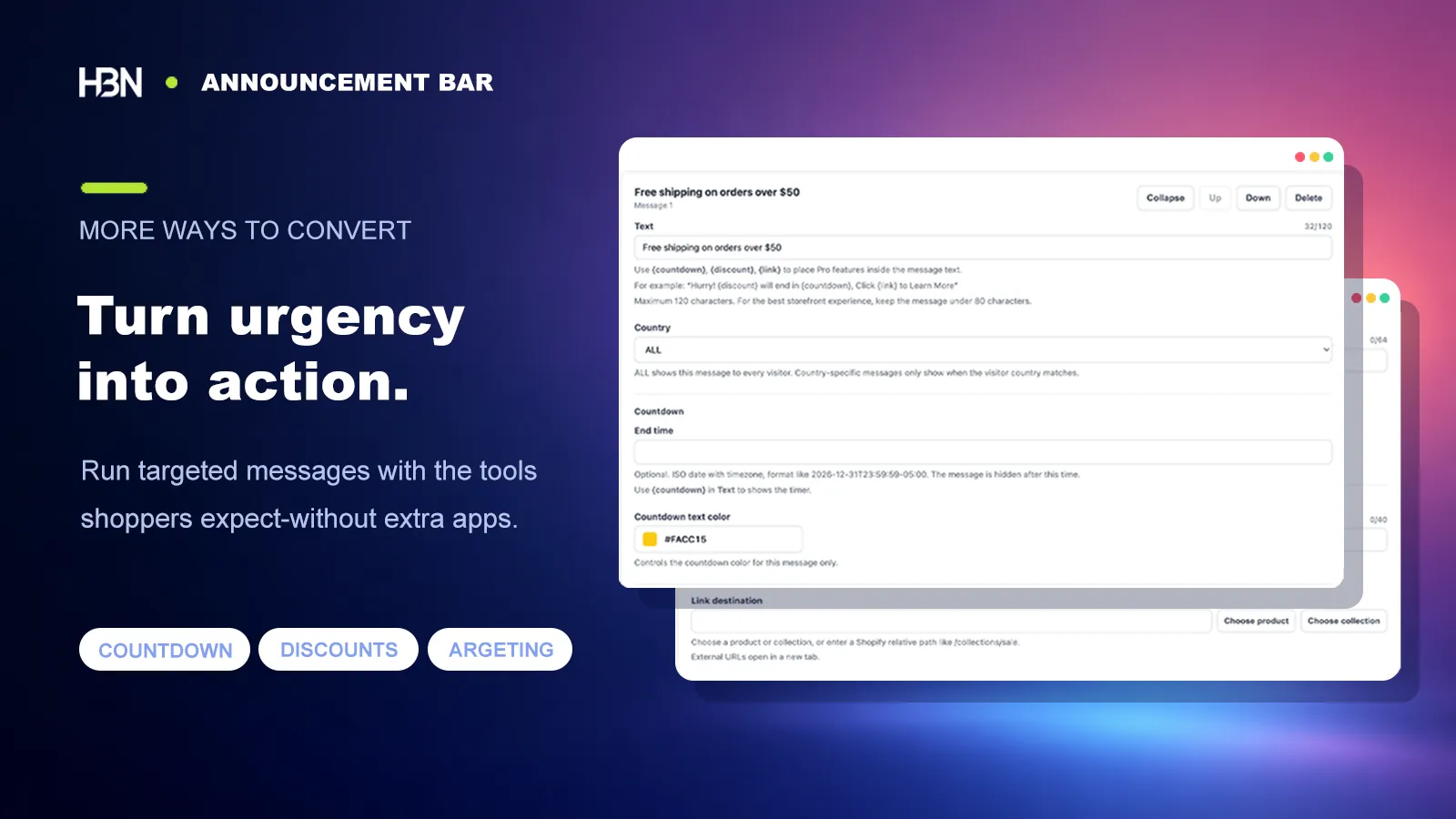
For a timed promotion, add a countdown and an expiry so the store does not advertise yesterday's offer tomorrow morning. A link can take shoppers straight to the relevant collection; a discount action lets them copy the code without memorizing it. If the message only applies in one location, geographic targeting keeps everyone else from seeing an irrelevant promise.

Countdown, link, discount, dismiss, and location controls
Add campaign controls only when they help the shopper act on the announcement.

A useful first setup: publish one shipping message and one current promotion, check both on a narrow mobile screen, then leave the bar alone until the offer changes. The goal is dependable communication, not constant motion.

Choosing a plan

Begin with the message, upgrade for the campaign.

The free plan handles an everyday two-message bar. Pro is for stores that need the bar to react to timing, location, and shopper action.

Free — a clear, branded announcement area

Use up to two rotating messages with full styling, reordering, and responsive behavior.

It is enough for a standing shipping note plus one promotion, or for stores that simply want better control than their theme provides.

Pro — campaigns that know when and where to appear

Pro supports up to ten messages and adds geographic targeting, links, countdowns with auto-expiry, one-click discount copying, dismiss controls, and direct developer support.

Choose it when announcements are part of an active campaign calendar rather than a mostly static store notice.

Give the next important message a proper place.

Install free, style two messages, and see how they feel in your theme.

View on Shopify ↗